How to Style Hair for Video Calls: Camera-Ready Looks | The Ultimate Guide
In the era of remote work and digital nomadism, the conference room has been replaced by the webcam lens. While pajama bottoms might be the hidden secret of the home office, your head and shoulders are on full display. Learning how to style hair for video calls is no longer just about vanity; it is a crucial component of professional presence. A grainy webcam and unflattering lighting can turn a great in-person hair day into a flat, frizzy mess on screen.
Unlike styling for a mirror or a night out, styling for the camera requires a specific understanding of angles, lighting, and contrast. The camera lens flattens features and emphasizes silhouettes, meaning that subtle textures often get lost, while flyaways and frizz are exaggerated by backlighting. This comprehensive guide will walk you through the science of on-camera styling, specific looks that convey competence, and quick fixes for those surprise meetings.
The Physics of the Webcam: Why Your Mirror Lies
Before diving into specific hairstyles, it is essential to understand why hair looks different on a video call than it does in the bathroom mirror. Most laptop cameras and external webcams utilize wide-angle lenses. While great for capturing a room, these lenses tend to distort images slightly, making objects in the center appear wider and flattening the depth of field.

The Two-Dimensional Trap
Because video feeds are 2D images often transmitted at lower resolutions, the subtle dimension of your hair color or the intricate layering of your cut can disappear. Dark hair can look like a solid block of ink, while blonde hair can wash out completely if the lighting is too bright. To combat this, styling for video calls requires prioritizing silhouette and volume over intricate details. You need to create shapes that are recognizable and tidy from a straight-on angle.The Lighting Factor
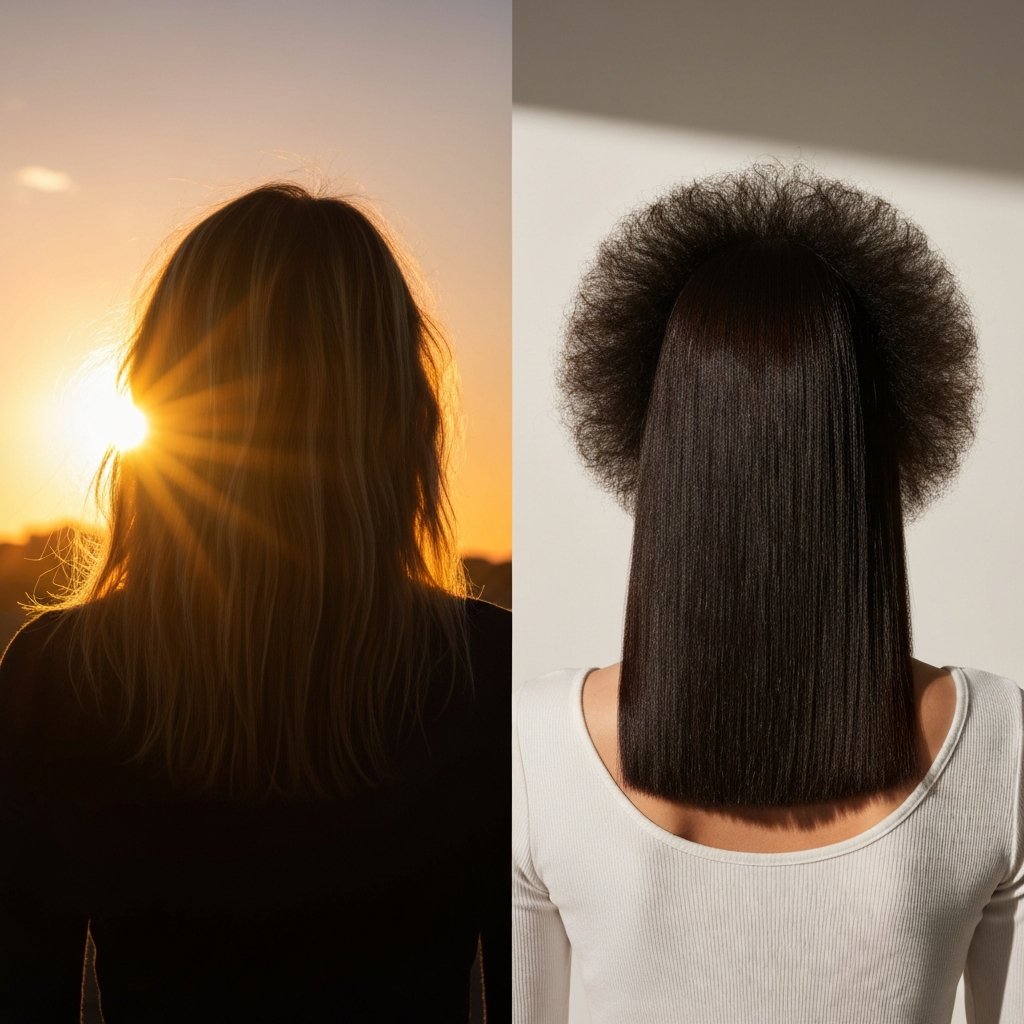
Lighting is the architect of your on-screen image. Natural light is generally best, but it can be unpredictable. If you sit with a window behind you, you create a silhouette effect where your face is dark, and your hair creates a "halo" of frizz. Even the smoothest hair can look electrified when backlit. The goal is to have the light source in front of you. This illuminates the face and smooths the appearance of the hair cuticle. When learning how to style hair for video calls, always consider your light source as the first styling tool in your arsenal.Pre-Call Prep: Taming Texture and Frizz
The unforgiving nature of HD webcams means that texture issues are often the first thing noticed. Frizz, flyaways, and split ends catch the light in peculiar ways, creating a distracted or unkempt appearance.
Controlling the "Halo Effect"
The "Halo Effect" refers to the fuzzy perimeter of loose hairs that glow when light hits them. To minimize this, preparation starts before the style. Using a lightweight smoothing serum or a leave-in conditioner is non-negotiable for remote professionals. For those with naturally curly or textured hair, hydration is key to clumping curls together so they read as defined spirals rather than undefined fuzz on a low-bitrate connection.The Role of Dry Shampoo
Greasy roots are magnified by the camera lens. The oils in the scalp reflect light, creating shiny hot spots on the screen that can look like sweat or unwashed hair. A generous application of dry shampoo at the roots not only absorbs this oil but adds necessary volume. Flat hair tends to make the face look tired on camera; a little lift at the root mimics the energy and vitality of a fresh blowout.Top Professional Hairstyles for Video Conferencing
When deciding how to style hair for video calls, the objective is to keep the face visible while maintaining a polished perimeter. Here are the most effective looks for different hair lengths and textures.
1. The High, Architectural Bun
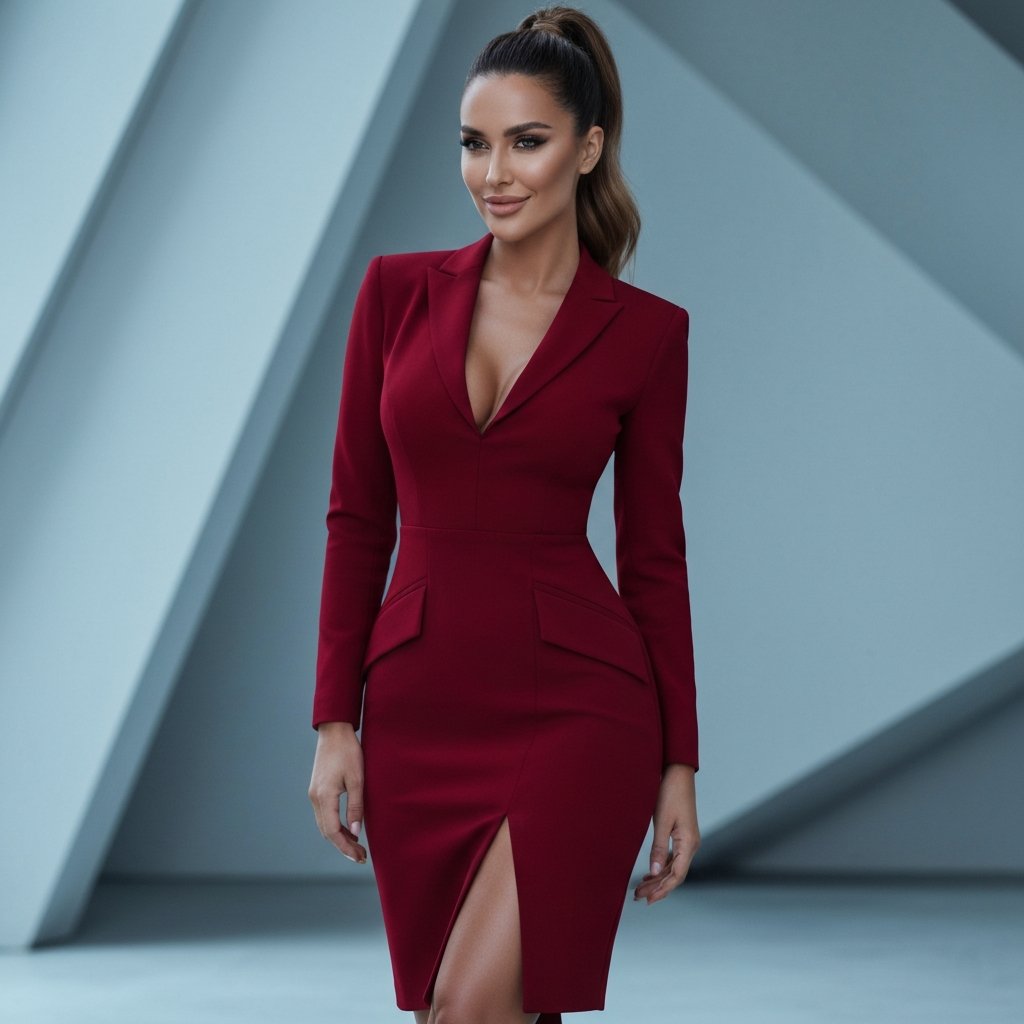
For long hair, the high bun is the gold standard of video call styling. However, placement is critical. A bun that sits too low on the back of the head disappears on camera, making it look like you have short, slicked-back hair.How to execute: Position the bun at the crown of the head so the top of the knot is visible in the frame. This adds height, elongating the face and looking intentionally styled. Use a donut form or teasing to make the bun substantial. A tight ballerina bun can look severe; a slightly looser, architectural top knot strikes a balance between professional and approachable.
2. The Polished Half-Up, Half-Down
This style offers the best of both worlds: the length and softness of wearing hair down, with the practicality of keeping hair off the face. Constant hair touching or brushing bangs out of eyes is distracting to other meeting attendees.How to execute: Section the hair from the top of the ears upward. Secure this section at the back of the crown. Ensure the sides are smoothed down with a light pomade to prevent flyaways near the ears (which are often highlighted by headphones). This style opens up the face, allowing for better eye contact and engagement.
3. The Side-Swept Power Wave
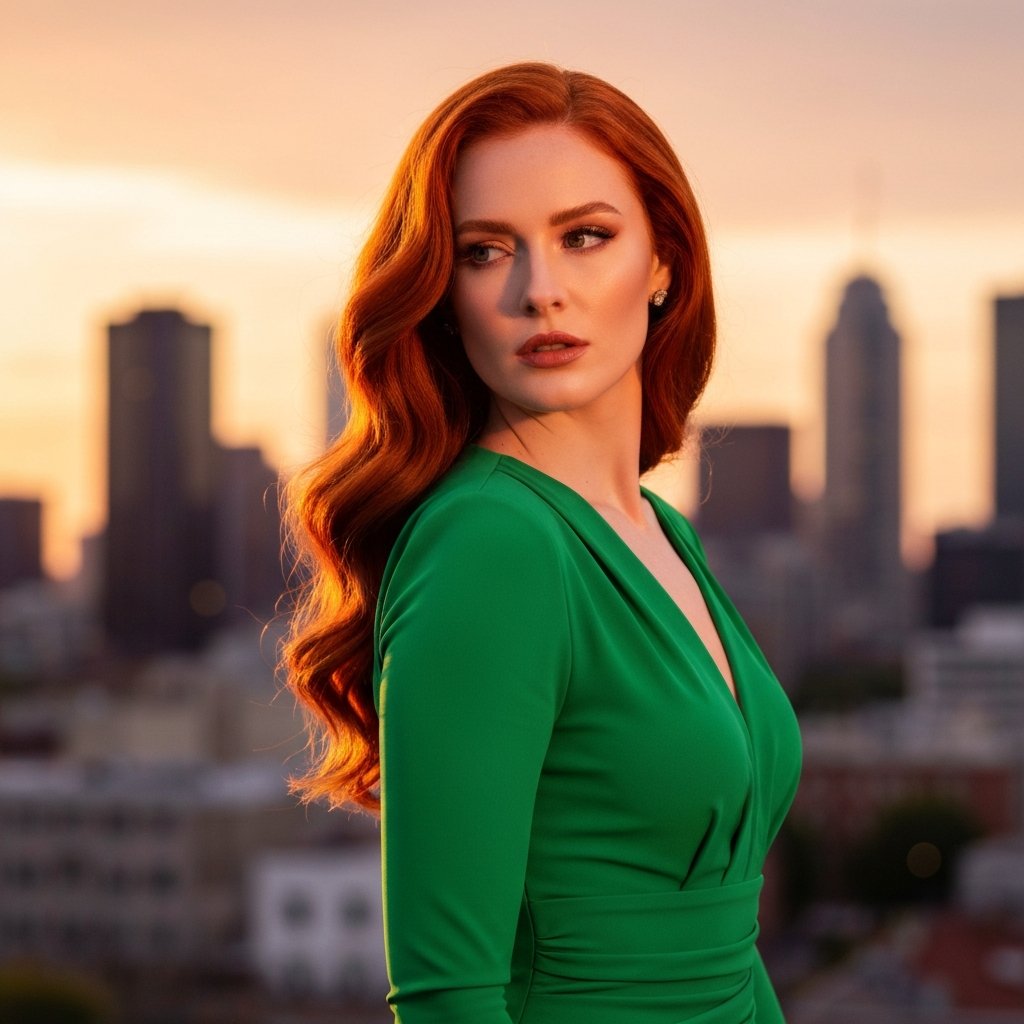
If you prefer wearing your hair down, symmetry can sometimes look static on camera. Sweeping hair to one side creates asymmetry that reads well on video.How to execute: Create a deep side part and bring all length over one shoulder. This concentrates the volume and texture in one area, making the hair look thicker and more styled. Secure the back with bobby pins if necessary to keep it in place. This look is particularly effective for those with medium-length bobs or lob cuts.
4. Defined Natural Curls
For those with natural texture, video calls are a great opportunity to showcase volume. However, shape is paramount.How to execute: Focus on the silhouette. Use a pick at the roots to create an even shape that frames the face. Avoid having curls fall directly in front of the eyes. Use clips to pin back small sections near the temples if needed. The goal is a "face-framing" effect that highlights your expressions.
Color and Contrast: Making Your Hair Pop
Your hair color interacts with your background and your clothing. If you have dark hair and sit in a black high-backed chair, you will look like a floating face. This is known as the "floating head" syndrome.
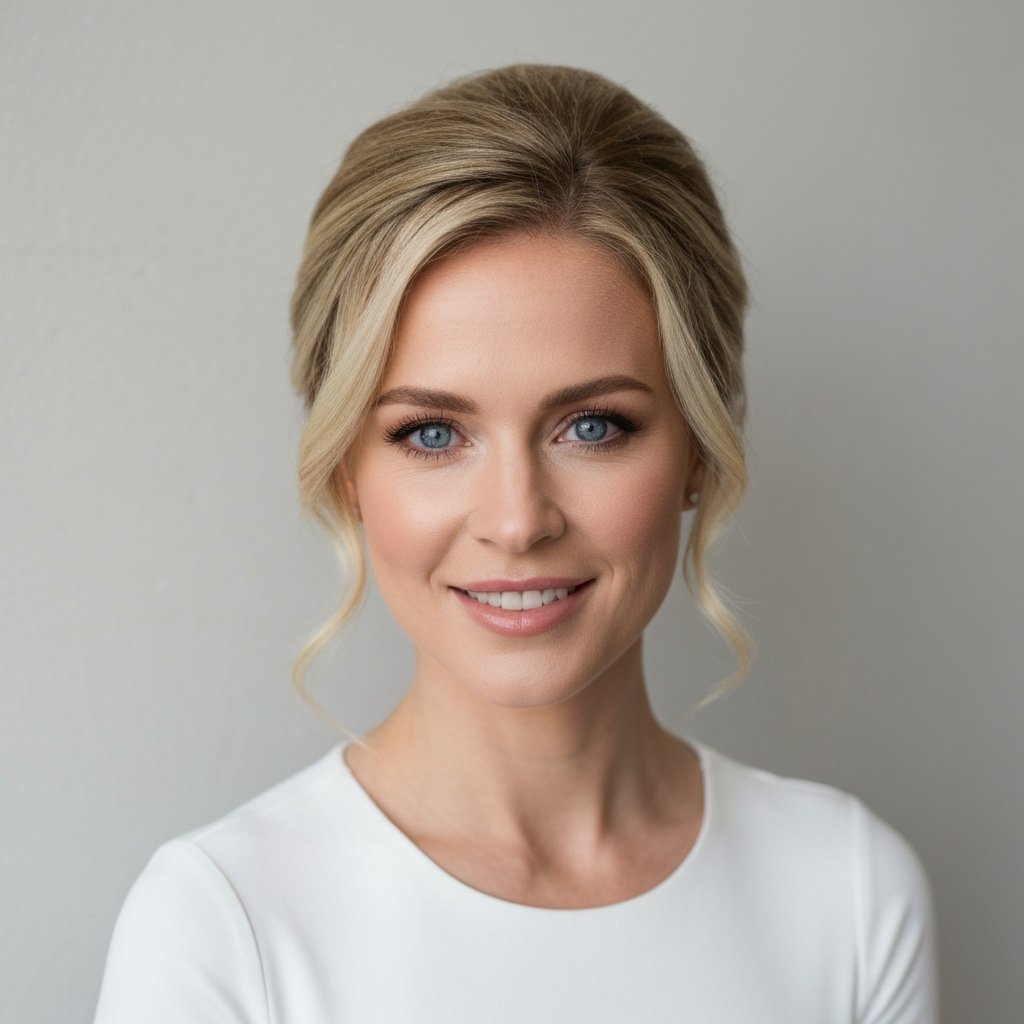
Creating Separation: If you have dark hair, wear a light-colored top or ensure your background is lighter. If you have blonde or grey hair, a darker background or dark clothing provides the necessary contrast to define your hairstyle.
Root Maintenance: Webcams often have high contrast settings that exaggerate the difference between colored hair and regrowth. While frequent salon visits aren't always possible, utilizing root touch-up sprays or tinted powders can be a lifesaver for high-stakes presentations. These products also double as thickeners, making the part line look tighter and the hair denser.
Quick Fixes for Last-Minute Meetings
We have all experienced the panic of an unscheduled "jump on a quick call" request. Here is how to style hair for video calls in under three minutes.
The Headband Hack
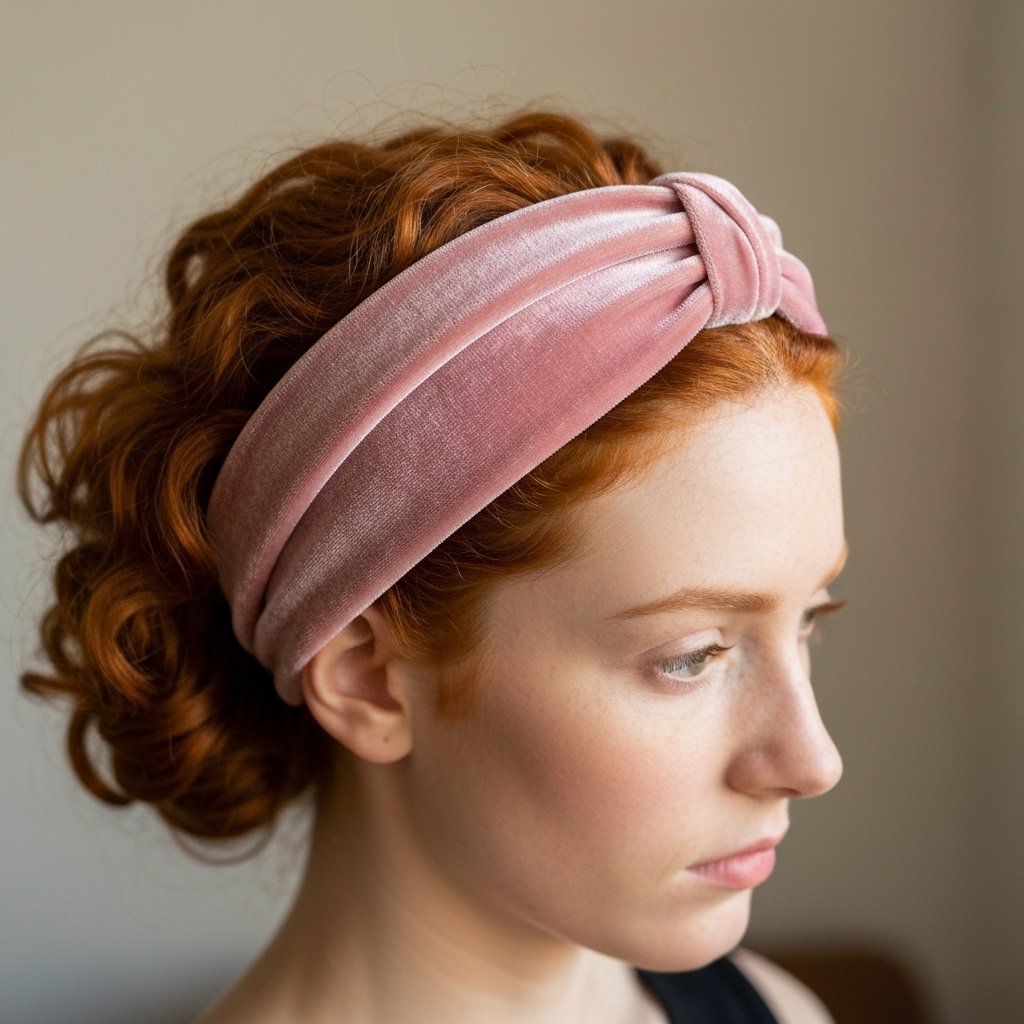
A structured, solid-colored headband is the ultimate cheat code. It immediately pushes hair back from the face, hides greasy roots, and looks like an intentional stylistic choice. Avoid thin, plastic headbands that disappear on screen; opt for wider, fabric-covered bands that read as accessories.The Sleek Low Pony
If texture is unmanageable, sleek it back. Use a boar bristle brush and a small amount of hair oil or gel to smooth hair into a low ponytail. The key here is the parting—a sharp, defined center or side part shows intentionality. Without a defined part, a pulled-back style can look like gym hair.Men's Grooming for the Camera
For men, the principles of camera-ready hair focus on neatness and finish.
Matte vs. Shiny Products
Avoid high-shine gels or pomades. Under harsh overhead lights or webcam glare, shiny products can make hair look wet or greasy. Opt for matte clays, pastes, or texture powders. These absorb light and provide a natural, thick appearance.Beard and Sideburn Maintenance
The camera exaggerates shadows. Stray hairs on the neck or cheeks can create strange shadows that distort the jawline. A clean perimeter on the beard and tidy sideburns are essential for a sharp look. Run a comb through the beard and use a balm to tame stray wires that might catch the light.Common Mistakes to Avoid
- The Wet Hair Look: Never show up to a video call with wet hair. It signals a lack of time management and professionalism. Furthermore, wet hair looks darker and flatter on camera.
- Over-Spraying: While you want to control frizz, a "helmet" of hairspray looks stiff and unnatural when you move. Hair should have some natural movement.
- Ignoring the Back: While you face forward mostly, you may turn your head. Ensure the back of your style is reasonably tidy, especially if you have a window behind you that silhouettes your profile.
Expert Tips for the Ultimate Set-Up
- Check Your Self-View: Before joining, use the preview window. Check for flyaways that might be catching the light.
- Monitor Height: Adjust your laptop stand so the camera is at eye level. Looking down at a camera is unflattering for the chin and neck, and often shows the top of the head rather than the styled front.

Frequently Asked Questions
How do I stop my glasses from reflecting in my webcam while keeping my hair out of the way?
This is a lighting issue combined with styling. Position your light source slightly higher than your face to reduce glare. Style your hair in a half-up look to keep the sides clear of the glasses frames, preventing hair from getting caught in the hinges or casting shadows on the lenses.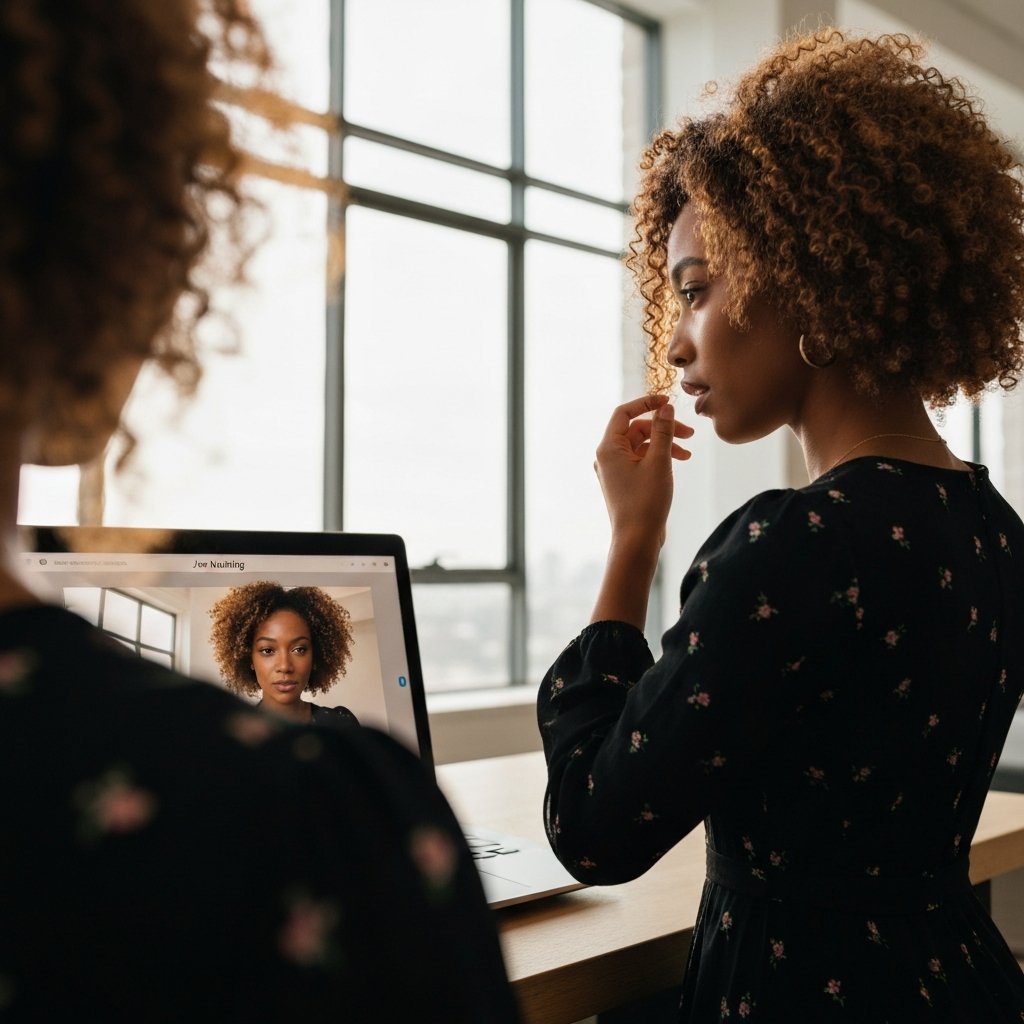
What is the best color shirt to wear for video calls to make my hair look good?
Contrast is king. If you are blonde, wear jewel tones (royal blue, emerald green) or black. If you are brunette, go for white, cream, or pastels. Redheads look fantastic in navy or green. Avoid wearing a shirt that matches your hair color exactly.My hair looks incredibly flat on Zoom. What is a quick volume hack?
Flip your part. If you usually part on the left, flip it to the right just for the call. This creates instant, dramatic volume at the root that holds up well for the duration of a meeting. Texture powder applied at the root is also invisible on camera but adds massive lift.How can I hide split ends on a high-definition call?
Use a hair oil or serum on the bottom two inches of your hair. This seals the cuticle temporarily. Alternatively, curl the ends of your hair under. This hides the ragged edges and creates a polished, blowout look.Is it unprofessional to wear a hat on a video call?
Generally, yes. Unless your company culture is extremely casual, hats (baseball caps, beanies) shadow the eyes and can be perceived as hiding something or being too casual. If you are having a bad hair day, opt for a tight bun or a wide headband instead.Conclusion
Mastering how to style hair for video calls is a modern skill set that blends grooming with a bit of cinematography. By understanding the limitations of the webcam and adjusting your styling routine to prioritize silhouette, volume, and frizz control, you can ensure that your professional competence is the focus of the meeting, not your hair. Remember, the goal isn't perfection—it's polish. A few strategic pins, a dab of smoothing serum, and the right lighting can make the difference between looking like you just rolled out of bed and looking like a leader ready to take on the day. For those struggling to find a shape that works without constant maintenance, booking a consultation with a professional stylist to discuss "low-maintenance, high-impact" cuts is the best investment for your remote career.